Pella CRM in your pocket
A natively built app for iOS and Android. Not half of the web app squeezed onto a phone, but the half you actually need in the field.
Web at the office, phone in the field
The Pella CRM iOS and Android app is not a web page in a shell — it is a natively built application. That is why calls ring on the lock screen, notifications arrive instantly and the camera can scan barcodes.
Native call screen
Incoming calls use the system call UI on iOS and a full-screen ringing notification on Android — even when the app is closed.
Push notifications
Mentions, task assignments and approval requests arrive with a badge count.
Barcode asset handling
Hand over and return equipment in seconds using the phone camera.
Clock in and out
Location-verified attendance, leave requests and daily checklists.
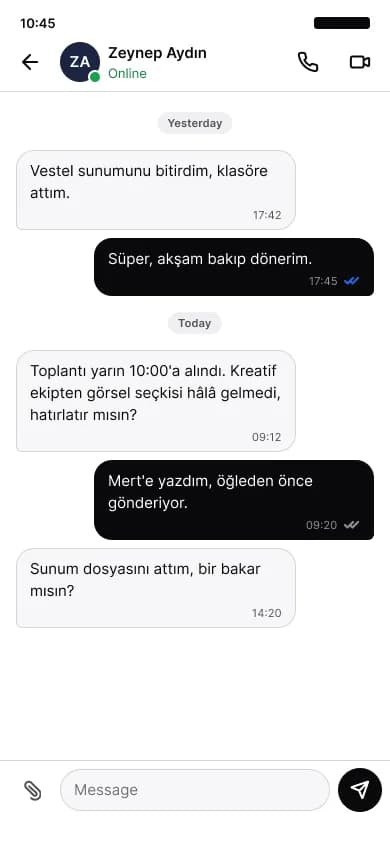
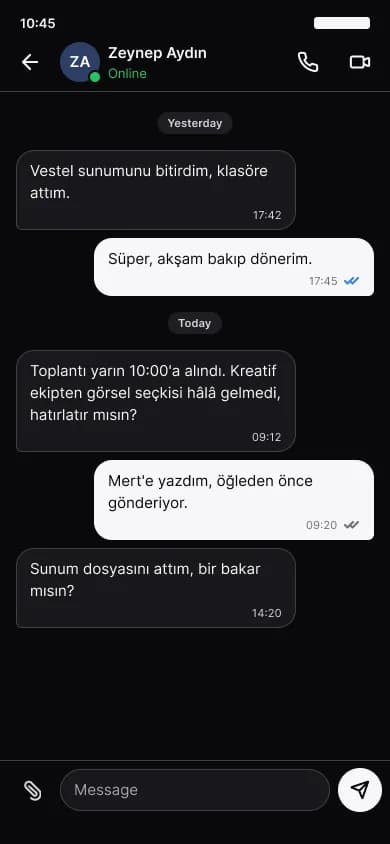
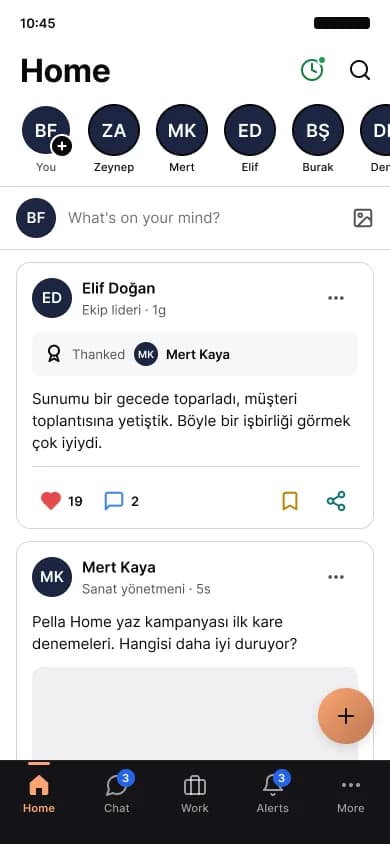
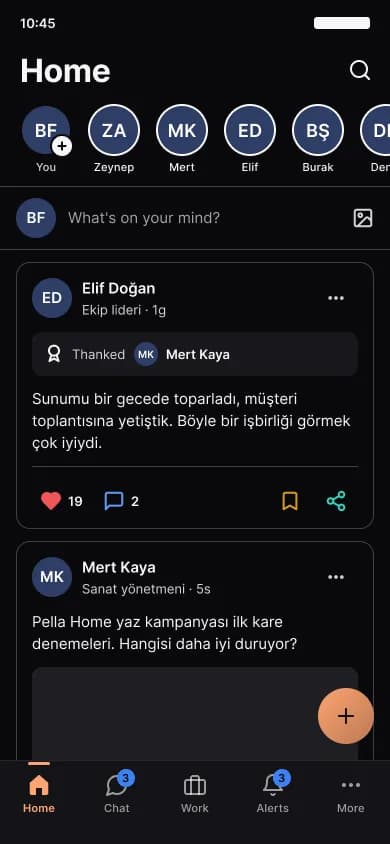
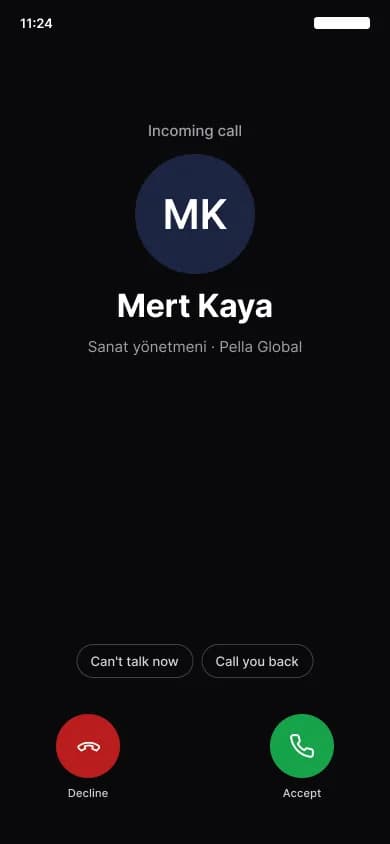
The app's real screens
These are captures from the iOS app, not renderings. If your device is on the dark theme you get the dark ones.
Feed
Announcements, posts and kudos in one stream.
Messages
One-to-one and group threads, with delivery and read state.
Calls
An incoming call rings on the lock screen, even with the app closed.
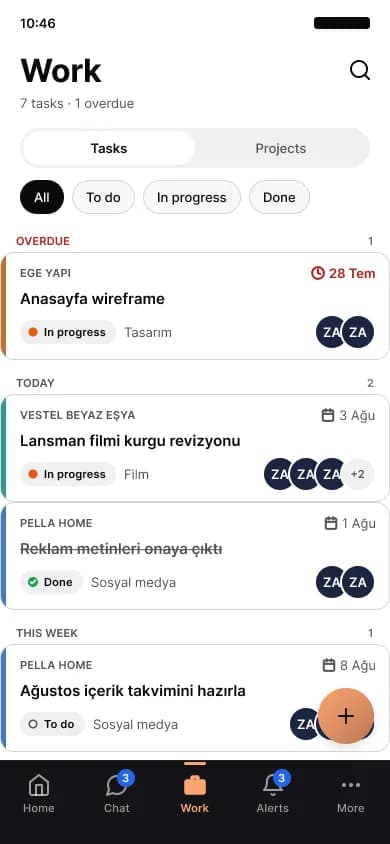
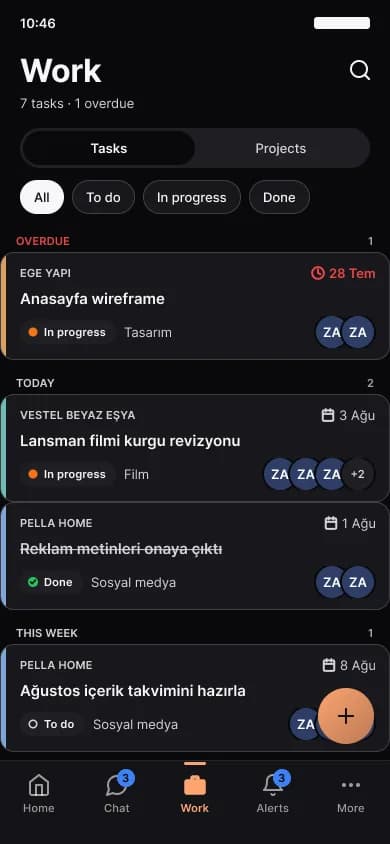
Tasks
The work assigned to you, overdue items first.
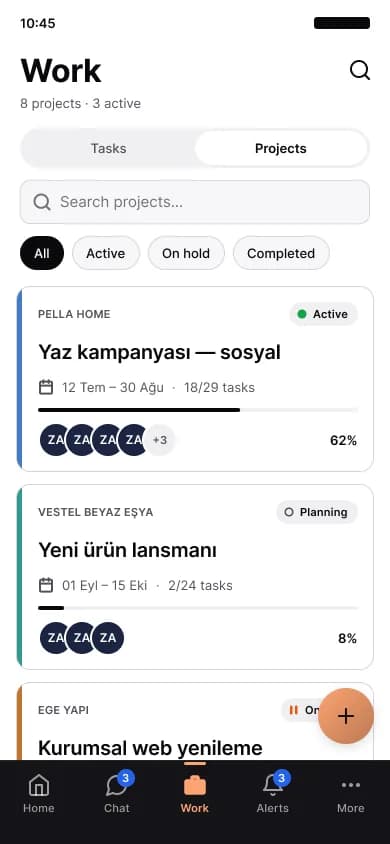
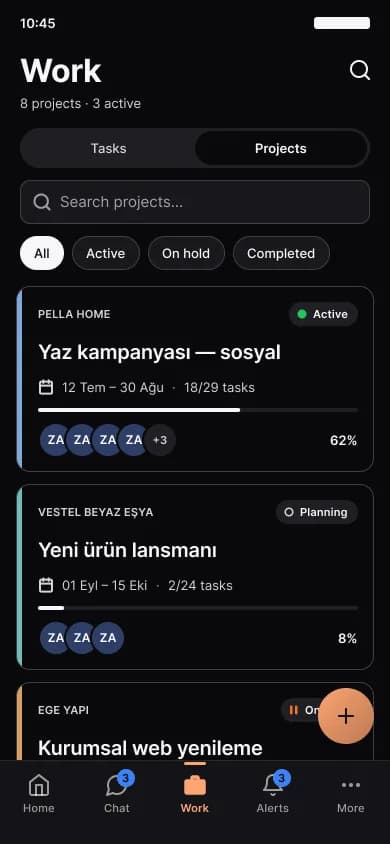
Projects
Project list, progress and the team on each one.
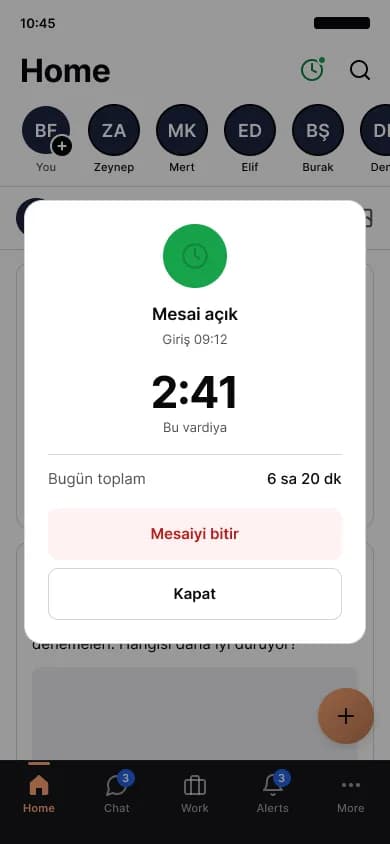
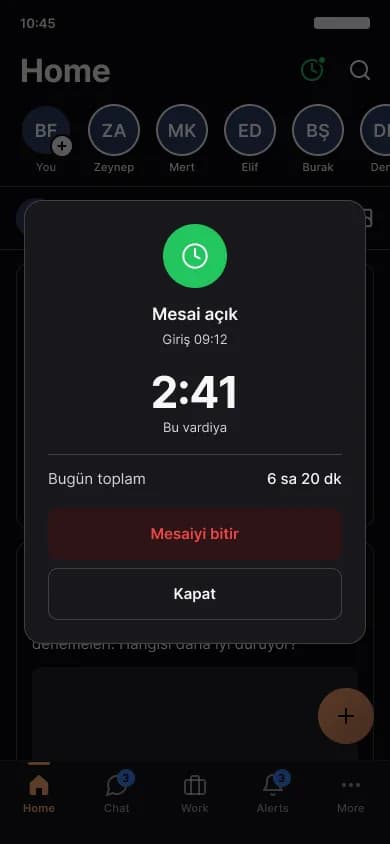
Time
Clock in and out, the day's total and breaks.
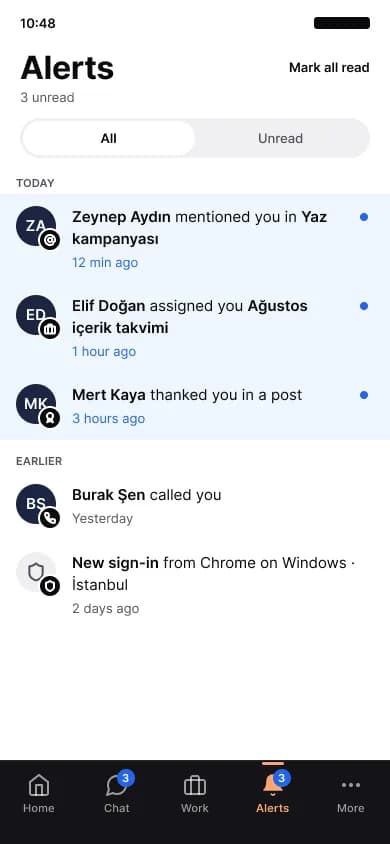
Notifications
Mentions, task assignments and approval requests.
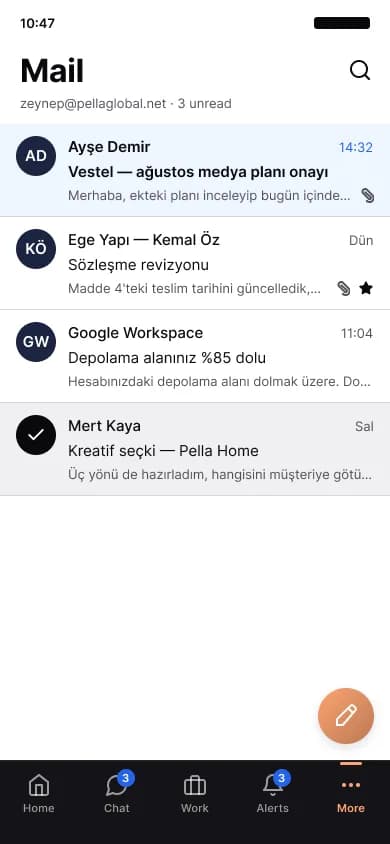
Your work inbox, inside the app.
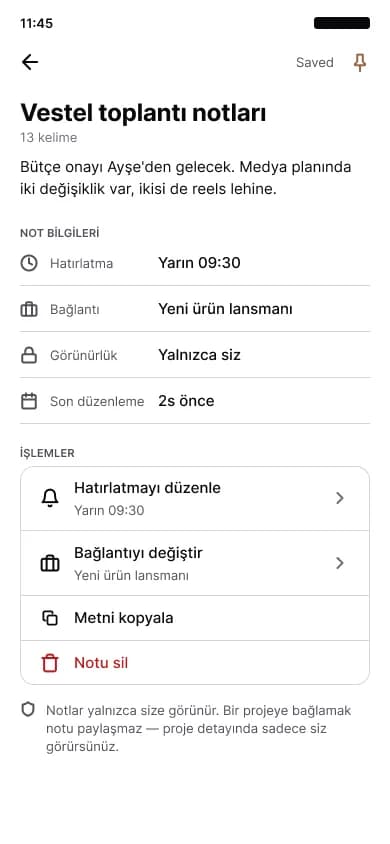
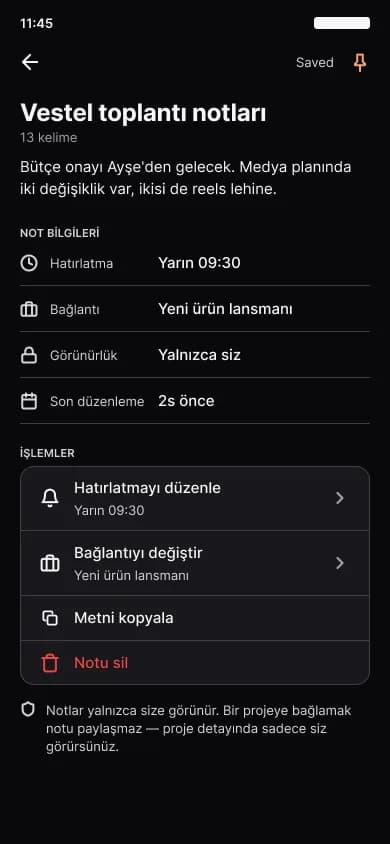
Notes
Meeting notes, checklists and reminders.
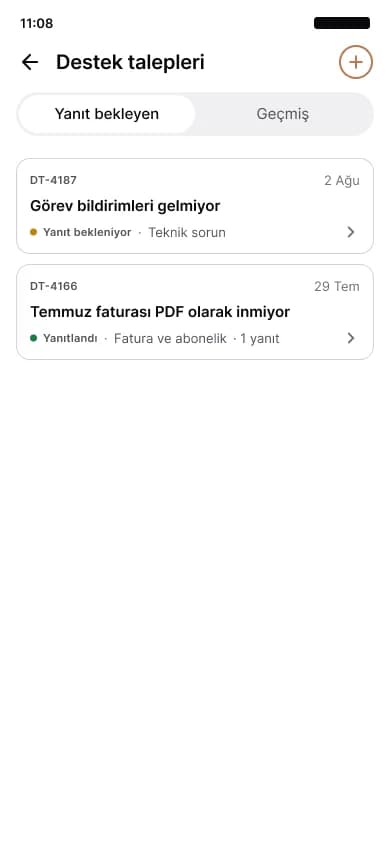
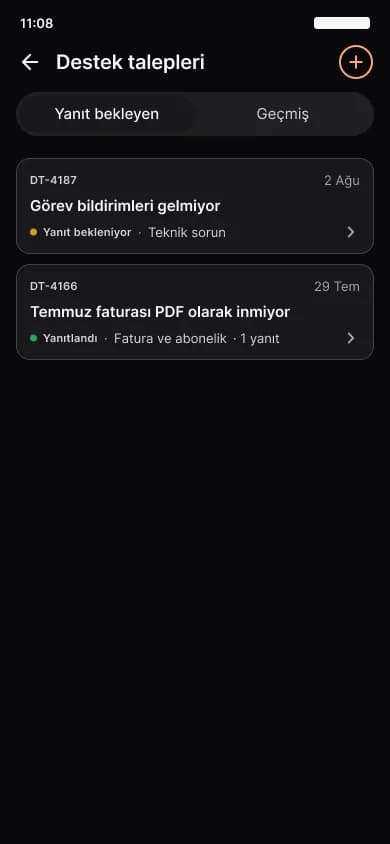
Support
Raise a ticket and follow the replies in the same place.
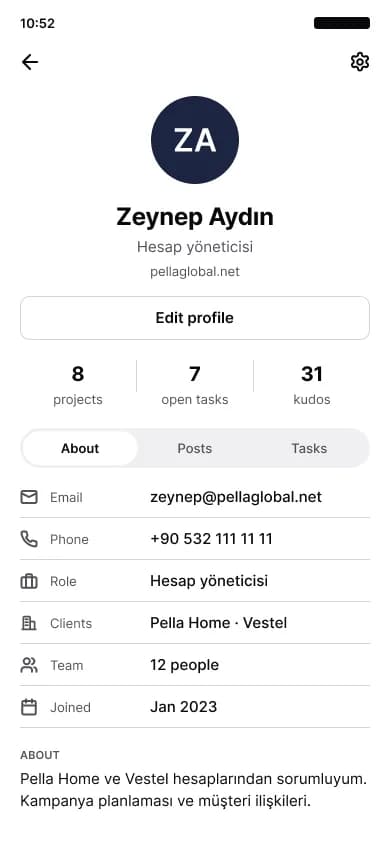
Profile
The person card, contact details and workload.
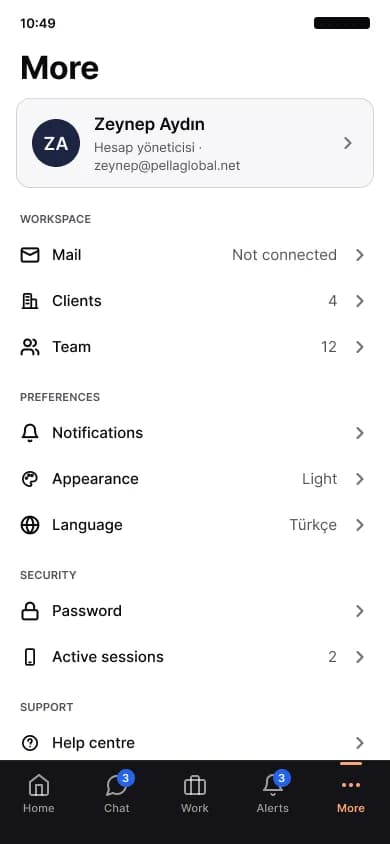
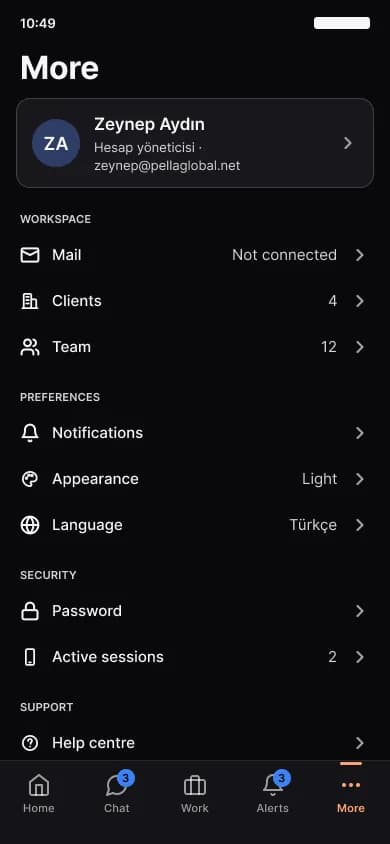
Settings
Theme, language, security and active sessions.
Also in the app
Leads
Sales pipeline and quotes
Accounting
Invoice lists and camera-first expense entry
Assets
Barcode handover and return
Documents
View and share files
Leave
Leave requests and manager approval
Daily checks
The day's checklists
Requirements
- iOS 15 or later, Android 8 or later
- A plan with mobile access enabled
- Your workspace address and a user account
Move your team's scattered tools onto one platform
In a 30-minute live demo we walk through your own processes inside Pella. No sign-up, no commitment.